Themes
Select a theme with THEME (or theme in the YAML file). The default is glass.
All themes show the same pages and texts, work without JavaScript and respect
prefers-reduced-motion: reduce: with that setting nothing moves and every page
appears in its final state at once.
docker run -p 8080:8080 -e THEME=terminal noixdev/error-pagesPreview a theme by opening /503.html (or any other code) on a running container.
Random theme
Section titled “Random theme”THEME=random shows a different theme on every page load, picked at random from all
five. A comma-separated list picks from those themes only:
docker run -p 8080:8080 -e THEME=glass,terminal,status noixdev/error-pagesNames are case-insensitive, and a name listed twice counts once. random cannot be
combined with names. A new pick is made for every page load; nothing is stored (no
cookie, no local storage), so reloading may show another theme. Responses are sent
with Cache-Control: no-store, so caches do not pin one theme. JSON and plain-text
answers do not depend on the theme.
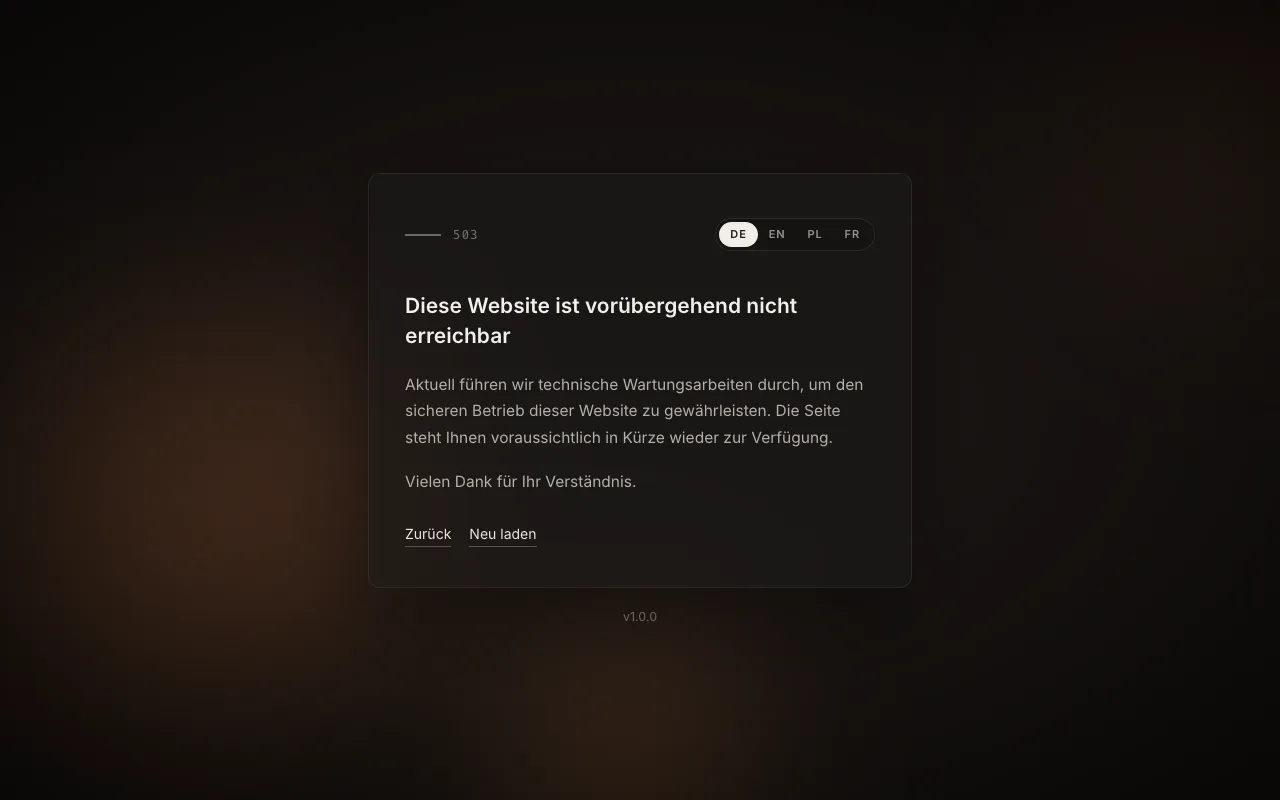
The default. A warm, blurred background that drifts slowly, a glass card, and a thin accent line carrying the status code. Languages are switched with a pill control.
terminal
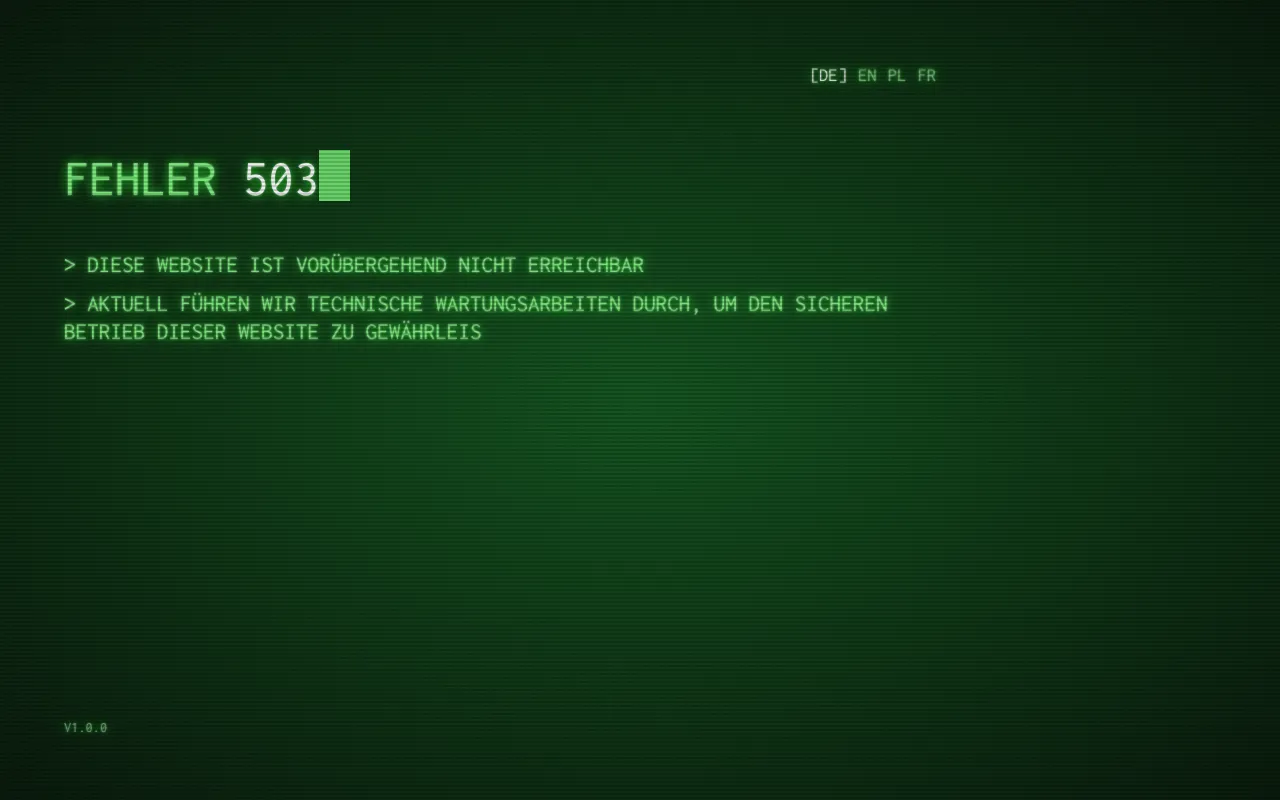
Section titled “terminal”A green phosphor terminal with scanlines and a scan beam. The code shuffles through
random codes and settles on the real one, then each line types itself. Back and
Reload are shown as [Back] and [Reload] and become real links when their line is
complete. Without JavaScript, or with reduced motion, the finished text appears
immediately.
classic
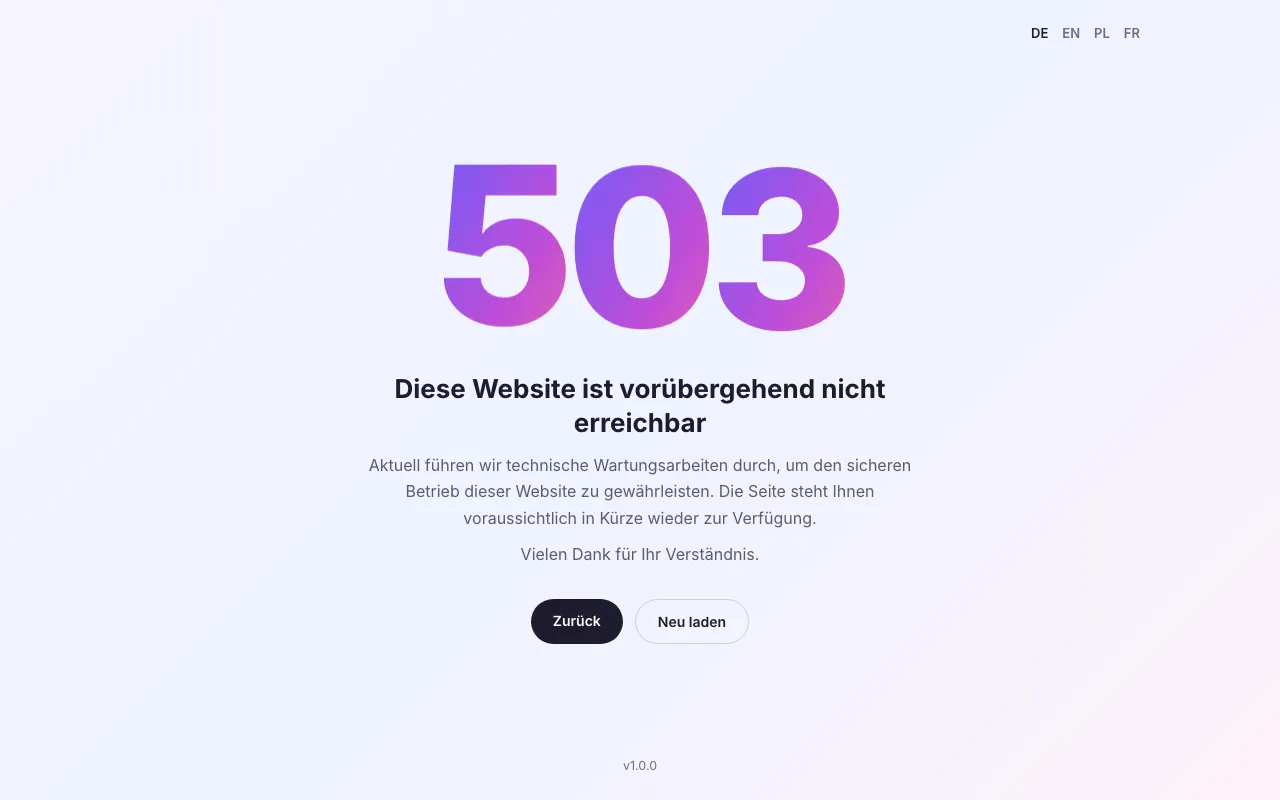
Section titled “classic”A light gradient with a huge gradient-filled status code whose digits bob gently out of phase, followed by the title, the text and two pill buttons.
status
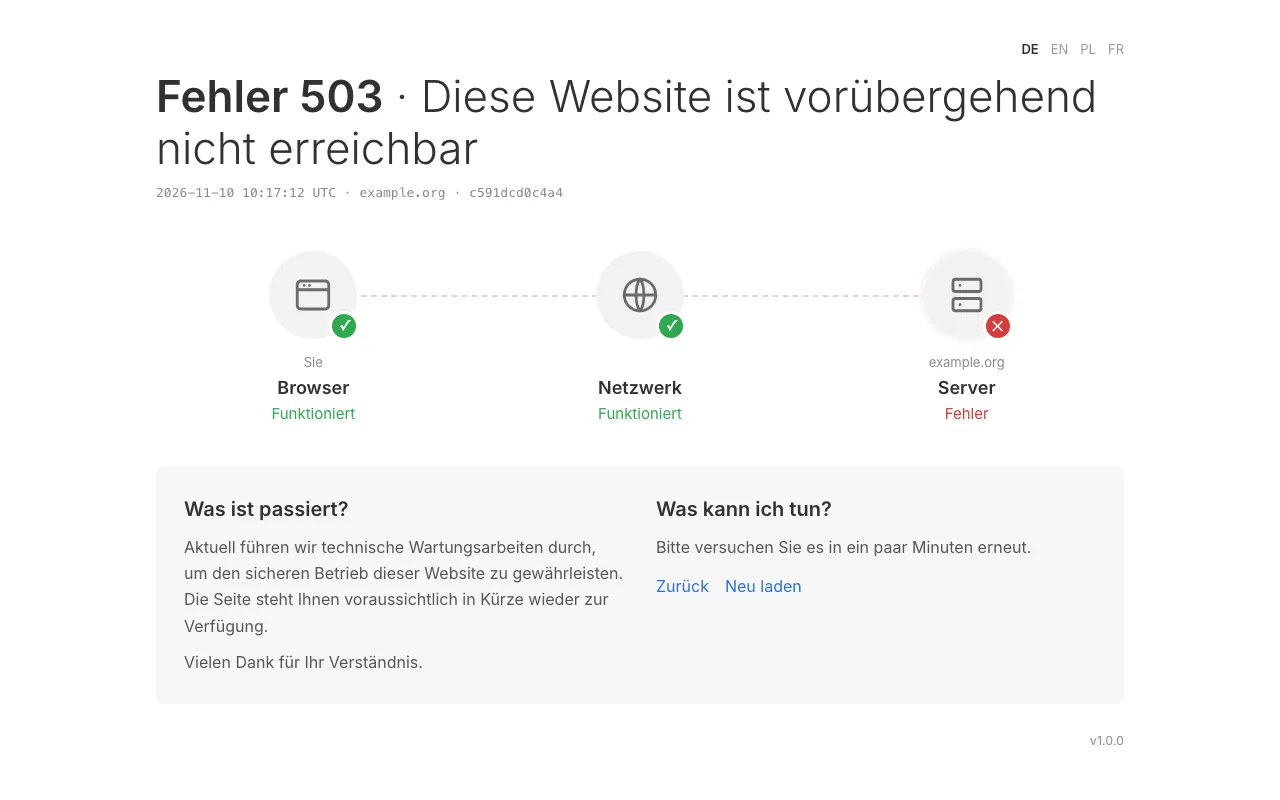
Section titled “status”A diagnostic layout: “Error 502 · Bad gateway”, a line with the time (UTC), host and
request ID, and a chain You, Browser, Network, Host in which the failing link is
red. Below it are “What happened?” and “What can I do?”. This is the only theme that
shows the request details; turn them off with SHOW_DETAILS=false. See
Status codes
for how a code picks the failing link.
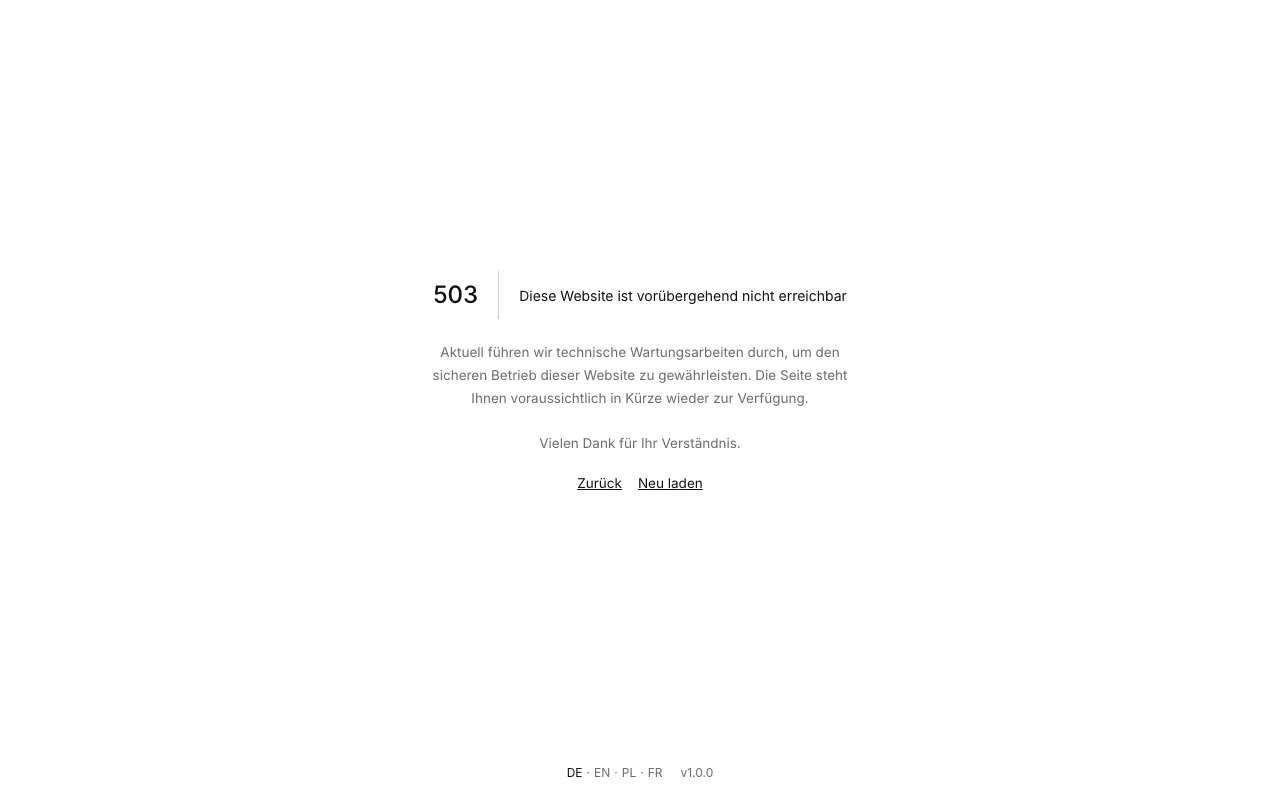
Minimal: “503 | Title”, a divider that grows in, and one short paragraph. It is light or dark following the visitor’s system setting.
Customizing a theme
Section titled “Customizing a theme”You cannot load your own theme at runtime. You can change the words a theme shows, including theme-specific wording, with custom texts.